

Google Veo Free Complete Guide

Learn Veo version differences, free trial methods, and compare Seedance / Kling / Runway

Video from Google DeepMind Veo official

What is Google Veo?

Veo is Google DeepMind's family of generative video models. It debuted at Google I/O 2024 as Google's most capable HD video generation model at the time. Through Veo 2 and Veo 3, the flagship Veo 3.1 now delivers native audio-visual sync, stronger prompt adherence, and cinematic narrative control. Built on years of Google video research (Phenaki, WALT, VideoPoet, Lumiere, and more), it ships to creators and developers via Flow, Gemini, and Vertex AI.

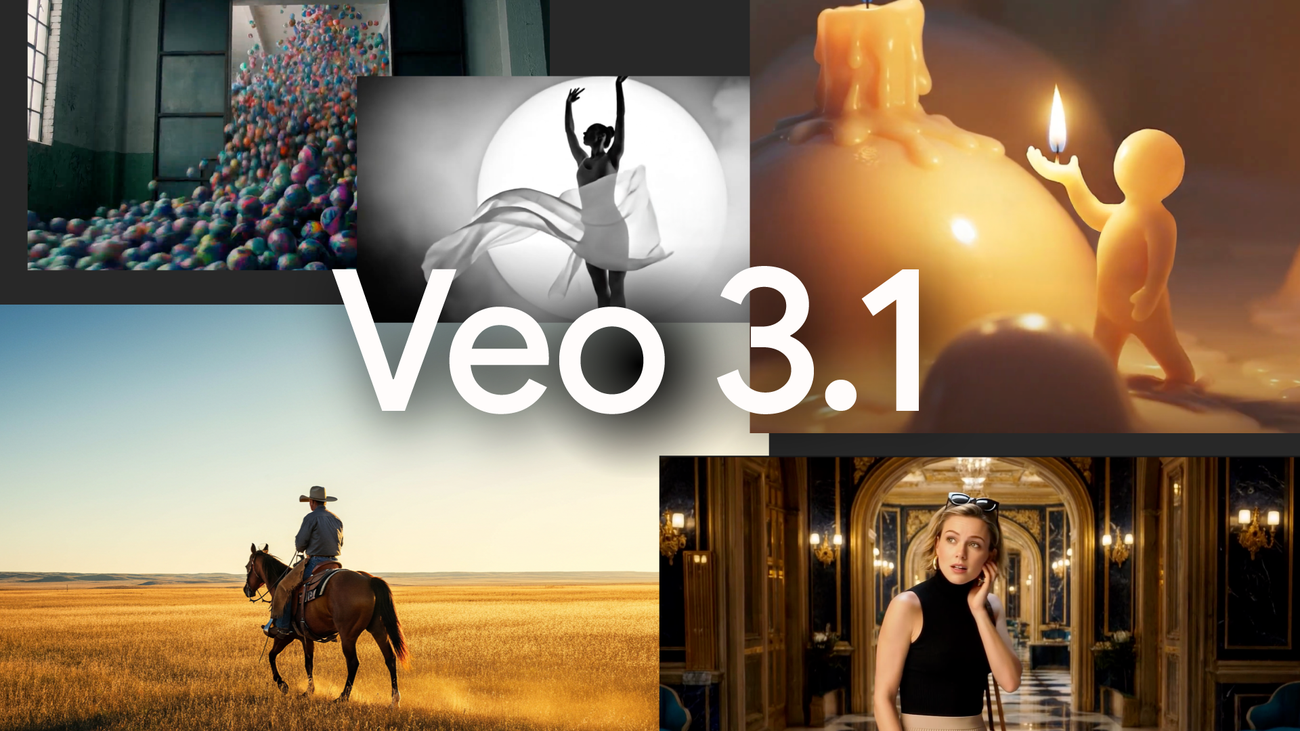
Official Google Veo 3.1 promo collage showing multiple AI video styles
Source: Google Veo 3.1 announcement

High-fidelity text-to-video

Per Google I/O 2024, Veo generates 1080p footage across cinematic styles and understands shot language like timelapse and aerial views. It better understands natural language and visual semantics, follows longer prompts accurately, and keeps people, animals, and objects physically coherent across shots.

Native audio-visual sync (Veo 3+)

Google's Veo 3 launch coined "Video, meet audio" — the model natively generates ambience, effects, and dialogue without post-production. DeepMind notes improved physics, realism, and prompt adherence, moving AI video from silent clips to narrative, listenable storytelling.

Image-driven & reference guidance

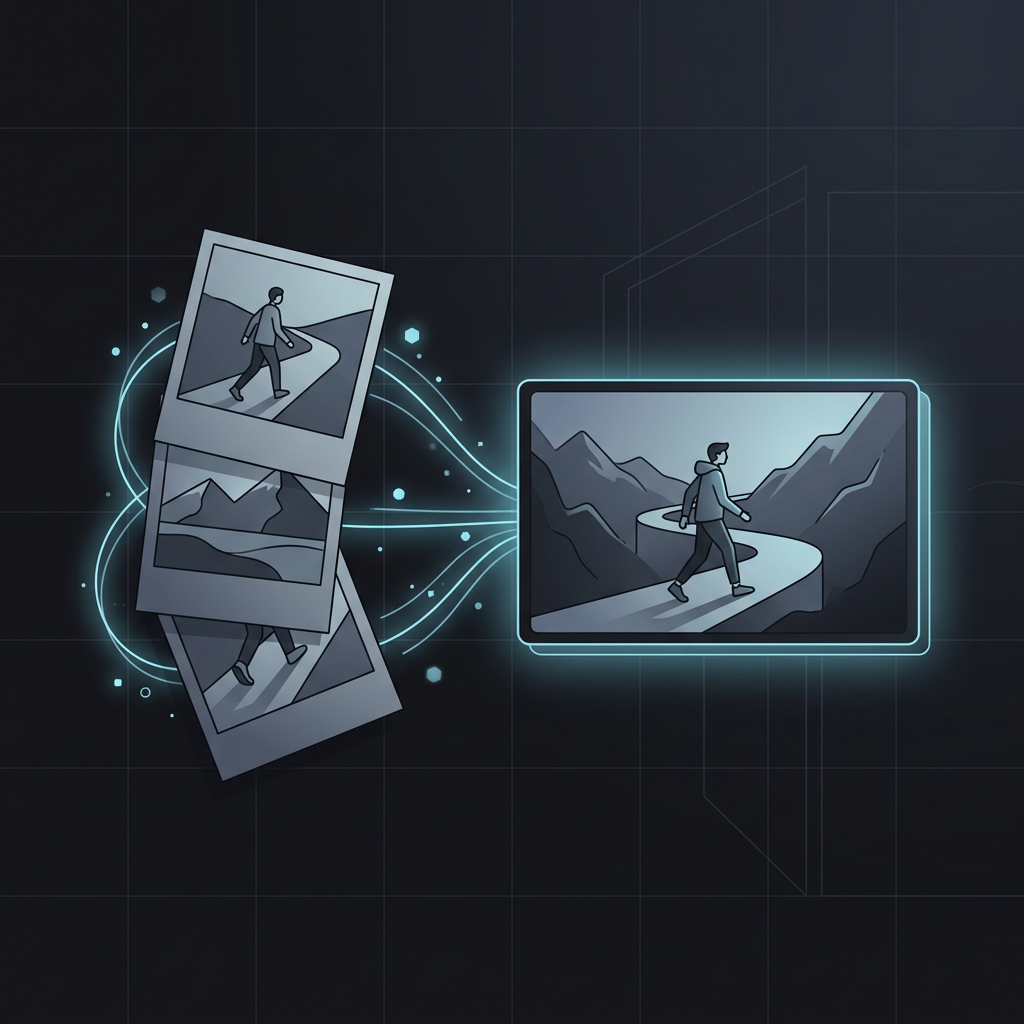
Veo 3.1 strengthens image-to-video: better prompt following with higher audiovisual quality. Via Gemini API and Flow, creators use reference images to guide generation and keep character look and style consistent across multi-shot scenes.

Shot extension & frame transitions

Veo 3.1 adds Extend (lengthen existing clips) and first/last frame transitions: smooth audio-enabled transitions between keyframes, or extending prior Veo footage — finer control for storyboarding and continuous narrative in Flow.

Official product entry points

  • Gemini App — Conversational creation for consumers; try Veo 3.1 and more
  • Google Flow — AI filmmaking workflow for Veo, Imagen, and Gemini; storyboard, edit, and arrange assets (VideoFX evolved)
  • Vertex AI / Gemini API — Enterprise & developer API; Veo 3.1 and Veo 3.1 Fast in paid preview
  • Google AI Studio — Online debugging, parameter tuning, and Veo Studio demos

Third-party access

  • fal.ai — Veo 3 / 3.1 API, pay-per-use, no GCP project required
  • imini.ai — AIGC creation & open API platform with unified auth and async tasks
  • Replicate — Playground & REST API for Veo 3.1, Fast, Lite
  • Together AI — Single API key for google/veo-3.0 and more; great for quick prototypes

Veo outputs embed SynthID watermarks by default; Google emphasizes safety testing, filters, and responsible AI. Third-party platforms handle auth/billing and may cost more than direct Vertex AI. Compiled from the Google I/O 2024 blog, Veo 3.1 announcement, and DeepMind Veo model page.

Veo version history

From the 2024 debut through late 2025, the Veo family keeps expanding what video generation can do.

Veo 1

Google I/O 2024 debut. Claimed 1080p clips over one minute — Google's first major video generation milestone.

Text-to-video

Veo 2

Opened via VideoFX with 4K and stronger physics. Reached Gemini App in April 2025.

4K · Physics

Veo 3 / Veo 3 Fast

Milestone: first native synced audio (dialogue, SFX, ambience). Flow launched alongside. Demis Hassabis said AI video left the silent era.

Native audioFlow

Veo 3.1 / 3.1 Fast / 3.1 Lite

Current flagship. Richer native audio, stronger image-to-video & character consistency, reference images, extend & first/last frame. 720p / 1080p / 4K.

Reference imagesScene extend4K
ModelResolutionNative audioMax lengthPositioning
Veo 2Up to 4K~60sHigh-res still-like quality
Veo 3 / 3 Fast720p / 1080p5–8sFast audio-enabled creation
Veo 3.1720p / 1080p / 4K✅ Enhanced5–8sFlagship quality + narrative control
Veo 3.1 Fast720p / 1080p5–8sSpeed & cost optimized
Veo 3.1 Lite720p5–8sBatch production, < 50% Fast price

Leading AI video model comparison

In 2026 the video generation race is crowded. This table summarizes Veo vs Seedance, Kling, Runway — pick by use case.

DimensionVeo 3.1Seedance 2.0Kling 3.0Kling O3Runway Gen-4.5
DeveloperGoogle DeepMindByteDanceKuaishouKuaishouRunway
Max resolution4K1080p1080p / 4K1080p / 4K720p (upscalable to 4K)
Max duration~8s4–15sUp to 15sUp to 15s2–10s
Native audio✅ Excellent✅ Stereo✅ Multilingual✅ AV sync❌ Post only
Multimodal refs1–2 img + 1–2 video9 img + 3 video + 3 audio1–2 imgVideo + img R2VImg + keyframes
Multi-shot narrativeScene extend✅ StrongUp to 6 shotsUp to 6 shots5–15s shorts
Motion / physicsExcellentGood✅ Top tier✅ 3D spatiotemporal✅ Physics benchmark
Core strengthsCinematic look · Prompt follow · API ecosystemMultimodal refs · Brand consistencyAction · Fast iterationCharacter lock · Ref-drivenFine control · Adobe integration
Best forAds · Cinematic shorts · Enterprise APIBrand ads · E-commerce · StorytellingSocial · ActionCommercials · Series charactersPro editing workflows

Choose Veo 3.1 if you need

Google ecosystem, SynthID watermarking, enterprise Vertex AI API, and widely regarded best cinematic visuals with native audio.

Choose Seedance 2.0 if you need

Up to 12 multimodal references, cross-shot character/product consistency, and director-grade multi-shot storytelling — especially brand and e-commerce.

Choose Kling 3.0 / O3 if you need

Complex human motion, physics simulation, multilingual native dialogue. O3 (Omni) adds Elements 3.0 character lock and reference-driven production.

Choose Runway Gen-4.5 if you need

Extreme prompt adherence and physics accuracy, Motion Brush-level control, and Adobe Firefly workflow integration.

3 ways to try Google Veo free

Veo standard is about $19.99/mo. These paths let you experience Veo 3 at low or zero cost.

01

Student offer — 15 months free

LongestFor: students / .edu email
  1. Get an edu email (university or temporary edu service)
  2. Visit the Google One student page and verify student status
  3. Receive 15 months Gemini Pro with Veo 3, NotebookLM Pro, 2TB storage

⚠️ Re-verify before Aug 2025. Regions include Brazil, Indonesia, Japan, UK, US, and more.

03

Google Cloud $300 credit — API developers

DevelopersFor: new Cloud users
  1. Sign up for Google Cloud and enable billing (no auto charge)
  2. Create a project and enable Vertex AI API
  3. In Vertex AI Studio → Media Studio → Video, select a Veo model
  4. For local dev, install gcloud CLI and run gcloud init

Credit ends when exhausted — ideal for API integration.

MethodAudienceFree periodKey benefits
Student offerStudents15 monthsVeo 3 + full Gemini Pro
AI Pro trialNew users1 monthVeo 3 + Gemini Pro + 2TB
Cloud $300DevelopersUntil credit usedVertex AI Veo API

Want Seedance & Kling?
Create on Pixocto

Google Veo is powerful, but Seedance and Kling excel at motion, multimodal refs, and multi-shot storytelling. Pixocto bundles leading video models — no subscription lock-in, pay-as-you-go credits that never expire.

🌊 Seedance 2.0

  • Up to 12 multimodal refs (image + video + audio)
  • Multi-shot narrative with consistent characters/products
  • Native stereo audio, finished in one pass
  • Brand ads, e-commerce, short-form storytelling

⚡ Kling 3.0 / O3

  • Industry-leading human motion & physics
  • 5 languages native dialogue + lip sync
  • O3 Omni: character lock & reference-driven
  • Social media, action scenes, commercials

✨ Why Pixocto

  • Text & image to video, 1080p native AV sync
  • Multi-shot storyboards, ref image/video guidance
  • No monthly bundle — buy credits, never expire
  • Also supports Nano Banana 2 and more image models

Start in 3 steps

  1. Visit pixocto.ai and sign up
  2. Open the video workspace, pick Seedance 2.0 or Kling 3.0
  3. Enter a prompt or upload references, generate and export
Try Pixocto free →

Trial credits for new users · Commercial use supported